A 128GB Switch Lite memory card is a reasonable starting point for a small download library; 256GB gives more room if you expect to keep buying digital games. Choose by the games you want installed and the current price difference. Switch Lite uses compatible microSD cards and does not require the microSD Express format used for Switch 2 game storage.
Buying and ownership guide · Updated October 11, 2026 · Nintendo Switch Lite Coral
THE QUICK VERDICT
Start with 128GB or 256GB, based on your library
For mostly physical games and occasional downloads, check your storage use before buying a large card. For a growing digital collection, 256GB may be the more convenient choice. Buy the right format from a seller you trust rather than paying for an unsupported speed claim.
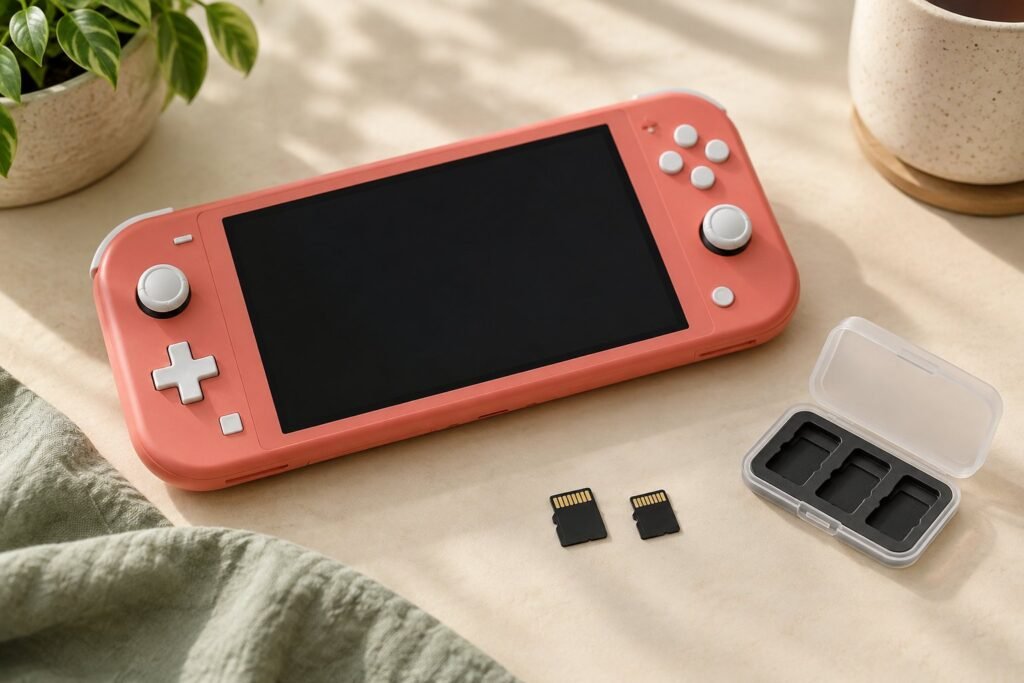
Check Coral console offers on Amazon →Compare microSDXC card options on Amazon →How we assessed this: Research-based guidance using Nintendo documentation and the identified retailer listing. We have not independently tested these consoles or benchmarked memory cards. Illustrations are generic. See our affiliate disclosure.
What memory card does Nintendo Switch Lite use?
The Coral model has the same storage requirements as other standard Lite colors. Nintendo’s card FAQ lists microSD, microSDHC, and microSDXC support. Full-size SD cards and miniSD cards do not fit the console’s card slot.
| Format | Supported capacity range | Practical buying context |
|---|---|---|
| microSD | Up to 2 GB | Too limited for many modern download plans. |
| microSDHC | 4–32 GB | Can be useful if you already own a suitable card and need little space. |
| microSDXC | 64 GB–2 TB | The category containing common 128GB and 256GB choices. |
| microSD Express | See the exact card’s compatibility | Can work at conventional speeds on original Switch hardware; Express performance is not unlocked on Lite. |
Nintendo requires a system update to use microSDXC cards. Plan for an internet connection during setup, rather than discovering that requirement after leaving for a trip. Check the console’s current instructions when installing a card; this guide focuses on choosing one, not on replacing Nintendo’s handling or transfer directions.
The important generation distinction comes from Nintendo’s microSD-versus-Express guidance: Switch 2 needs Express for expanded game storage. A card labeled for the original Switch family can be suitable for Lite without meeting that newer requirement.
128GB or 256GB: choose by what you will install
Look up the current file sizes of the games you plan to download, then leave room for updates, downloadable extras, and future purchases. Published capacities do not equal the exact usable space shown after formatting, and game sizes vary too much for one reliable “number of games” promise.
| Your plan | A sensible option to consider | What would change the choice |
|---|---|---|
| Mostly physical games, a few downloads | 128GB, or wait until you see your actual storage need | Large required downloads or a move toward digital purchases. |
| A growing mixed or digital library | 256GB | A very small price gap to a larger card, or a clearly larger planned library. |
| Many large digital games kept installed | 512GB or more | Whether you prefer paying for space or managing installed games. |
| Only a few small titles for now | Use available internal space first | Buy a card when the storage requirement is clearer. |
We would compare 128GB and 256GB prices together. If you can comfortably afford the difference and expect to download more games, the larger option may save you an early replacement. If the budget is tight and your library is modest, spend on a game you want before buying storage you may not use.
A practical example is a buyer who has already chosen about 100GB of downloads. A nominal 128GB card leaves much less flexibility for growth than 256GB, so the larger option deserves a close look. This is hypothetical planning arithmetic, not a claim about a particular game collection or exact formatted capacity.
Do you need an expensive high-speed card?
Nintendo recommends UHS-I-compatible cards and a transfer-speed range of 60–95 MB/s for the original Switch family. Treat that as a compatibility and buying reference, not a benchmark showing that any card will achieve its packaging’s maximum speed inside Lite.
A higher headline number is not, by itself, a reason to pay more. Compare the required format, capacity, seller, and warranty before sorting by the largest advertised speed. We have not benchmarked individual cards, so this article does not name a tested loading-time winner.
Express is not a required Lite upgrade
Do not buy microSD Express solely because Switch 2 requires it. Nintendo says Express cards operate at conventional microSD speeds on original Switch hardware. If you are considering a future Switch 2 purchase, compare the actual card prices and your upgrade timing rather than assuming you must buy Express now.
Branding alone also does not tell you whether a card offers better value. Check the actual specification and buy from a seller with clear product identity and return terms. An implausibly low price for a very large capacity deserves closer examination; an attractive label cannot verify the storage inside.
A game download and a game save are different
Nintendo’s FAQ distinguishes downloadable software, updates, and DLC from game save data. Game saves remain in system memory and cannot be copied to the microSD card. Buying a larger card therefore does not create a backup of your progress.
This matters when replacing the console as well as when replacing the card. Do not assume moving a card into another machine moves your whole gaming setup. Use the relevant Nintendo transfer instructions and check the supported save-management options for your games before changing devices.
Think of capacity planning as deciding which software and additional content you want readily available. It is separate from protecting progress and managing account access. Those tasks may need different steps, even though people often call all of them “moving my games.”
A short checklist before ordering
- Confirm the console. Lite and Switch 2 have different expanded-game-storage requirements.
- Confirm microSD format. A full-size SD card is not the card for Lite’s slot.
- Choose capacity from your planned library. Include space for updates and growth, without inventing a fixed game count.
- Check the exact item and seller. Match the capacity and model you selected to the checkout description.
- Keep the order details. Confirm the card is recognized normally during the return period and follow the manufacturer’s handling instructions.
If a Coral console bundle includes a memory card, check its format, capacity, and identity instead of assigning value to the phrase “memory included.” A useful, suitable card can add value; an unspecified card is harder to compare fairly.
If you are still choosing hardware, use the Switch Lite versus Switch 2 guide before purchasing accessories. The main Coral buying guide covers the console itself and what comes in its standard box.
Frequently asked questions
Does Switch Lite come with a memory card?
Nintendo says microSD cards are sold separately. Check a retailer bundle’s written contents if it claims to include one.
Will a 256GB card work in the Coral model?
A suitable 256GB microSDXC card falls within Nintendo’s supported range. You need the required system update; the Coral color does not change compatibility.
Does a larger card improve game graphics?
Extra storage gives you more capacity. It does not turn Lite into a more powerful console or enable Switch 2-exclusive software.
Should I buy a 1TB or 2TB card immediately?
Only if your expected library and budget justify it. Supported maximum capacity is not a recommendation to spend that much for a first small game collection.
Our recommendation
For a modest library, consider 128GB; for regular digital purchases, compare 256GB first. Choose a suitable microSDXC card with clear specifications and seller terms. Pay for capacity you expect to use, and handle save-data protection as a separate task.
Sources and product checks
- Nintendo Support: microSD card FAQ
- Nintendo Support: microSD and microSD Express compatibility
- Nintendo: Switch Lite technical specifications
- Nintendo: standard Coral package and product details
Sources reviewed October 11, 2026. Confirm the selected console, edition, game compatibility, package contents, seller terms, and current checkout total before ordering.