AirTag 2 compatibility has two parts: adding it to your Apple Account and using the finding features you want. An iPhone 13 or iPhone 14 can meet the setup requirement with suitable software, but it is not among the models Apple names for expanded Precision Finding range. Check your exact device before buying for that upgrade.
U.S. buying guide · Updated October 10, 2026 · AirTag, second generation
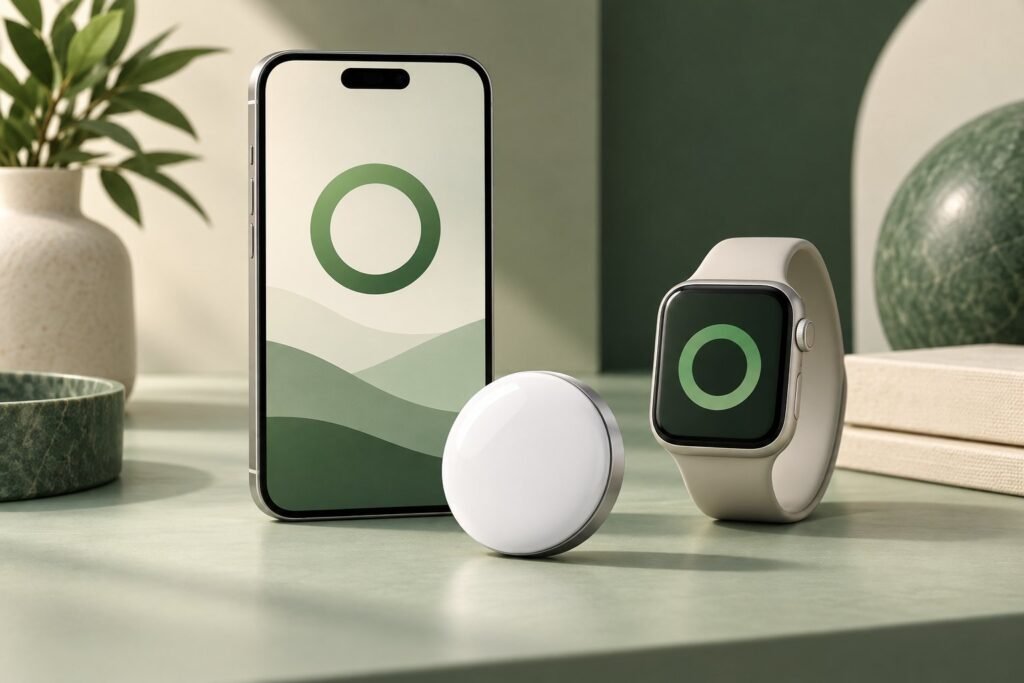
THE QUICK VERDICT
Confirm software first, then check the specific finding feature
Use iOS or iPadOS 26.2.1 or later for setup. Expanded iPhone range and directional Apple Watch finding require supported hardware as well. A tracker appearing in Find My does not establish support for every nearby finding feature.
Check the AirTag (2nd generation) listing on Amazon →How we assessed this: Research-based buying advice using Apple documentation and the supplied Amazon listing. We have not tested these trackers. Amazon shopping links currently have no affiliate tracking. See our affiliate disclosure.
This guide addresses pre-purchase device checks. For the overall decision, see whether the second-generation AirTag is worth buying. Existing owners can also compare the original and new AirTag before replacing one.
What iOS version does AirTag 2 need?
Apple’s current setup guide specifies iOS or iPadOS 26.2.1 or later for adding a second-generation AirTag. The product specification lists 26.0, but the task-specific setup instructions are more precise. We use 26.2.1 as the minimum setup check and recommend installing the latest supported update.
Open your device’s software settings and confirm the installed version before ordering. If the device cannot run the required software, do not assume an accessory can work around that limitation. The original-generation requirement is different, so old setup instructions can lead to the wrong purchase.
A recent software version does not add an Ultra Wideband chip that the phone lacks. Likewise, a compatible chip does not replace a required software update. Treat those checks separately rather than using the phone’s release year as a shortcut.
Does AirTag 2 work with iPhone 13 or iPhone 14?
For setup, yes, provided your iPhone runs the required software and meets Apple’s account and settings requirements. These phones appear on Apple’s iOS 26 compatibility list. The important limitation is that Apple does not list them for the second generation’s expanded Precision Finding range.
Apple lists those phone families as having first-generation Ultra Wideband hardware in its UWB availability guide. Its second-generation AirTag specification names newer supported phones for the expanded-range feature.
If map locations and playing a sound meet your need, evaluate the purchase on that basis. If directional finding on your exact older phone is the main reason you would buy, confirm it with Apple before ordering. The current US finding instructions name iPhone 15 and later; this guide does not promise older-phone directional behavior from earlier descriptions.
Useful question to ask before checkout
Will this tracker add the feature I want on the phone I already own? That is more specific than asking whether the tracker works with iPhone in general.
Which iPhones get expanded Precision Finding range?
The current second-generation specifications name iPhone Air and iPhone 15 or later, excluding iPhone 16e and iPhone 17e. Regional availability applies. Do not assume an e-model has the same UWB hardware as another phone with a similar name.
| Device or use | What to check |
|---|---|
| iPhone 13 or iPhone 14 | Required setup software; expanded range is not listed for these models. |
| iPhone Air or eligible iPhone 15 and later | Software, exact model, and regional expanded-range availability. |
| iPhone 16e or iPhone 17e | Excluded from expanded Precision Finding; evaluate other finding options. |
| iPad setup | Required iPadOS and account settings; do not assume iPhone directional features. |
| Travel outside the US | Apple’s current UWB availability guidance for the destination and device. |
Country and regional rules can affect UWB features. For a travel purchase, check the places where you plan to use it rather than extrapolating from US support. Our main guide also explains why nearby guidance and distant map updates serve different jobs.
Which Apple Watches support AirTag 2 Precision Finding?
Apple’s watch guide requires Series 9 or later or Ultra 2 or later, with watchOS 26.2.1 or later. Apple Watch SE models do not support Precision Finding. The item must also be within the required nearby connection range.
Seeing an item on a map and receiving distance-and-direction guidance are separate capabilities. A retailer’s general Apple Watch compatibility statement is therefore too broad to settle a purchase made specifically for wrist-based guidance.
Watch app names can also differ by software version. Apple’s current instructions refer to Find My on watchOS 27 and later; earlier versions use separate finding apps. Follow the directions for your installed version rather than interpreting a different app name as proof the tracker is faulty.
Can you use AirTag 2 as an Android-owned tracker?
If you use a Samsung Galaxy and want to track checked bags, compare AirTag and Galaxy SmartTag2 for international travel before choosing a tracker. The guide separates phone support from remote tracking and nearby finding.
Apple’s product and setup documentation describes ownership through an Apple Account and compatible Apple devices. It does not offer Android setup as the equivalent owner experience. We would not recommend buying this tracker for an Android-only household on the assumption that it can be paired like an ordinary Bluetooth accessory.
Android’s unwanted-tracking alerts serve a different purpose from setting up your own tracker. For an Android owner, compare item finders explicitly supported by your phone and their current requirements before paying.
What to check if your new AirTag will not connect
Start with Apple’s setup troubleshooting: confirm the software, Bluetooth, Location Services, Find My access, and Apple Account setup. If you are adding several trackers, bring only one near the device at a time.
Use the actual error message to choose the next step. A setup issue, a missing directional-find button, and an old map timestamp are different problems. Avoid buying a new holder, replacing your phone, or returning the tracker before establishing which capability is affected.
If the phone is suitable but the feature remains unclear, consult Apple’s current instructions for the exact model. This guide provides buying checks; it does not establish that every failure requires replacement hardware.
AirTag 2 device compatibility questions
Does AirTag 2 work with iOS 18?
Not for setup according to Apple’s current instructions. The second generation needs iOS or iPadOS 26.2.1 or later.
Does an iPhone 13 get the new expanded finding range?
It is not among Apple’s listed expanded-range models. Separate that limitation from whether the phone can add the tracker with the required software.
Can an Apple Watch SE use Precision Finding for AirTag 2?
No. Apple’s current watch guide excludes SE models from that feature.
Our recommendation
Confirm setup software and your exact desired finding feature before buying. Owners of older iPhones should judge the tracker by supported use rather than paying for an expanded-range claim that does not name their phone. Check watch and regional requirements separately.
Sources and product checks
- Apple Support: AirTag setup and troubleshooting
- Apple: phones compatible with iOS 26
- Apple Support: expanded-range model requirements
- Apple Support: UWB hardware and regional availability
- Apple Support: current iPhone finding instructions
- Apple Support: Apple Watch requirements and apps
Sources reviewed October 10, 2026. Prices are dated references; confirm current generation, selected pack, seller terms, software, and regional feature availability before ordering.