For international luggage tracking, start with the phone you carry: shortlist AirTag for a compatible iPhone and Galaxy SmartTag2 for a compatible Samsung Galaxy. Neither guarantees continuous updates or recovery of a missing suitcase.
Updated October 14, 2026 · Comparing AirTag (2nd generation) with Galaxy SmartTag2 · Research-based buying guide, not a hands-on test.
The quick decision
- Compatible iPhone: AirTag is the straightforward choice.
- Compatible Samsung Galaxy: SmartTag2 deserves the first look.
- Other Android phone: check a tracker explicitly compatible with your phone; SmartTag2 is not a universal Android option.
AirTag vs Samsung SmartTag for international luggage tracking
| Decision | AirTag, second generation | Galaxy SmartTag2 |
|---|---|---|
| Phone ecosystem | Compatible Apple device and Apple Account | Compatible Galaxy device and Samsung Account |
| Remote finding | Apple Find My network | Samsung SmartThings Find network |
| Nearby guidance | Precision Finding on supported hardware | Compass View on supported UWB Galaxy phones |
| Battery | Replaceable CR2032 | Replaceable CR2032 |
| Attachment | Pocket placement or separate holder | Built-in loop for a suitable clip or ring |
Sources: Apple specifications and Samsung’s SmartTag2 documentation. Nearby directional finding has additional hardware requirements; pairing alone does not guarantee it.
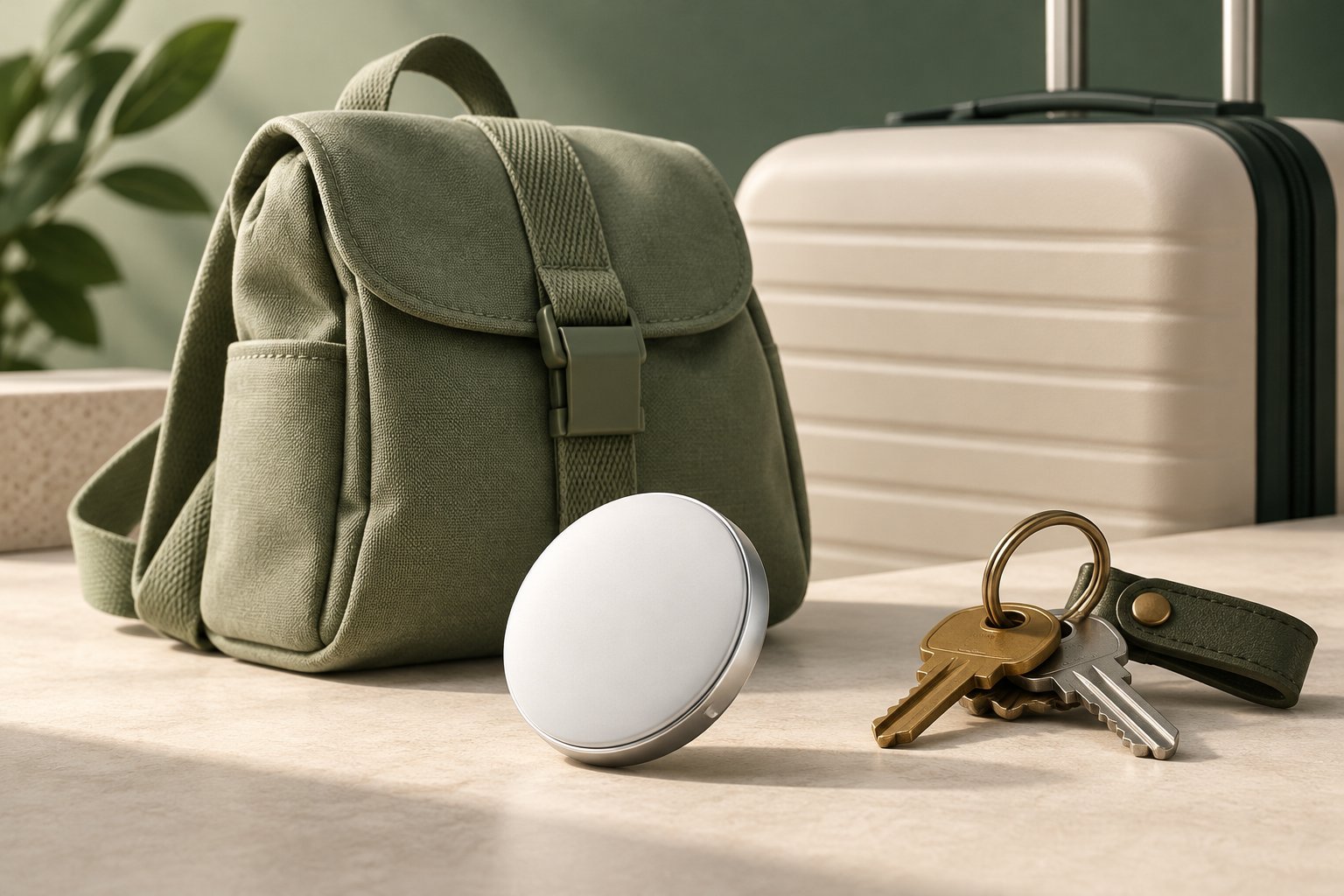
Which works better abroad?
Both rely on nearby participating devices to relay detections when your bag is beyond your own phone’s range. Airport conditions and available devices matter. A global network does not promise a fresh location at every baggage depot or connection.
That makes “best in every country” a poor buying shortcut. Travellers in this Reddit luggage-tracker discussion raise exactly this concern for Europe–US trips. Their experiences identify useful questions, but do not establish a controlled performance ranking.
Apple also supports temporary location sharing with participating airlines. Check your carrier’s process before relying on it. Apple explains the network and sharing features here.
Why your suitcase may still appear at the departure airport
A last-seen position can be old. Read its timestamp before concluding that the bag missed your flight. Remote network updates and nearby directional finding are different functions; a better nearby finding range does not create continuous international tracking.
In one Reddit discussion about stale luggage locations, a traveller reported that the suitcase arrived despite the app showing its origin. Treat the map as an additional clue and contact the airline when your bag fails to arrive.
What should you spend?
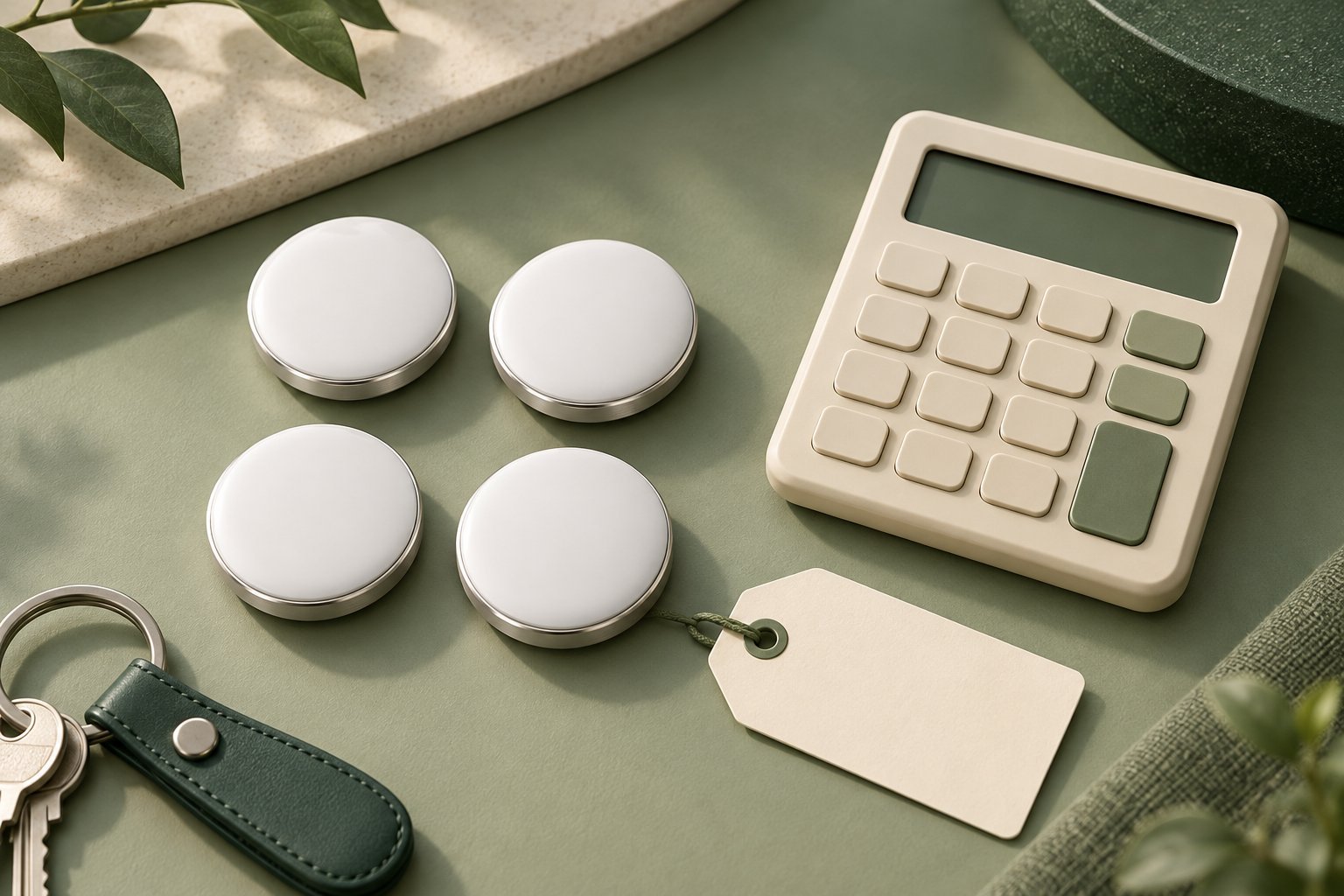
Compare the delivered price of the exact model, pack size, and any holder you need. Buying another phone just to use a tracker usually makes this a much more expensive decision.
Count bags that can travel separately: two checked suitcases need separate trackers if you want to locate each independently. A carry-on that might be gate checked is another possible use. Our AirTag four-pack guide helps compare useful units against total spending.
Check AirTag at Apple · Check SmartTag2 at Samsung. These manufacturer links have no affiliate tracking.
Before putting a tracker in your suitcase
- Pair it at home and confirm that you can locate it.
- Check its battery and your phone’s supported features.
- Secure it inside a zipped compartment or suitable holder.
- Keep your baggage receipt and contact details with the bag.
- If delayed, report the bag and provide the latest timestamped location through the airline’s recovery process.
Our recommendation
Choose the compatible tracker you can set up and check confidently before departure. For Apple users, read our AirTag compatibility checklist and AirTag buying guide. For Galaxy users, confirm your exact phone against Samsung’s requirements before ordering SmartTag2.