U.S. buying guide · Updated October 8, 2026 · Kindle Paperwhite Signature Edition cases
Buying a Kindle Paperwhite Signature Edition case is mostly about generation fit. The safest case is not simply labeled “Paperwhite.” It should match your exact Kindle generation, screen size, and year. That matters because the 11th generation and newer 12th generation Paperwhite designs do not always share the same case fit.
This accessory guide is part of our Kindle Paperwhite cluster. Start with the Amazon Kindle Paperwhite Signature Edition 32GB review, compare models in Kindle Paperwhite vs Signature Edition, then use this post to choose a cover that actually fits.
THE QUICK VERDICT
Match the case to generation before choosing style
A good Kindle Paperwhite Signature Edition case protects the screen, fits the exact generation, and supports how you read. Choose style after you confirm compatibility.
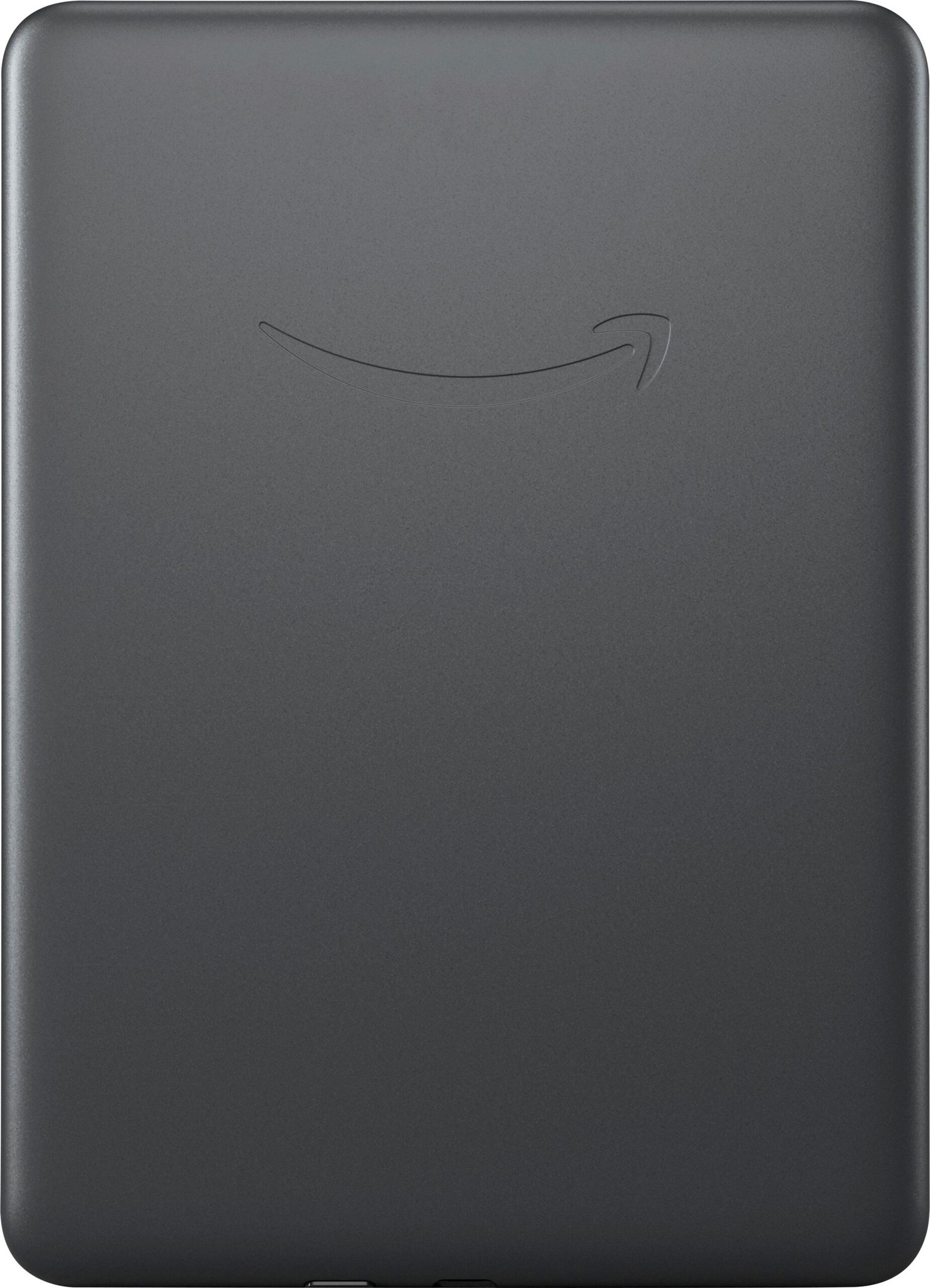
What size case fits Kindle Paperwhite Signature Edition?
The phrase Kindle Paperwhite Signature Edition case size sounds simple, but the important detail is generation. Case listings may mention 6.8-inch, 7-inch, 11th generation, 12th generation, 2021, 2024, Paperwhite, Signature Edition, or Colorsoft compatibility. Read that line slowly before buying.
If your Kindle is the 2024 Paperwhite Signature Edition 32GB, look for cases that explicitly support the 12th generation / 7-inch Paperwhite or Paperwhite Signature Edition. If you have the 2021 Signature Edition, look for 11th generation / 6.8-inch compatibility instead.
| Listing wording | Likely fit | What to verify |
|---|---|---|
| 12th gen / 2024 / 7-inch Paperwhite | Newer Paperwhite and Signature Edition | Check exact model year and button/port cutouts. |
| 11th gen / 2021 / 6.8-inch Paperwhite | Older Paperwhite and Signature Edition | Do not assume it fits the 2024 7-inch model. |
| Universal Kindle case | Risky | Check dimensions and retention method. |
| Paperwhite and Colorsoft case | May fit newer devices | Confirm your exact device is named in the compatibility list. |
Best Kindle Paperwhite Signature Edition case styles
Folio cover
A folio cover is the default recommendation for most people. It protects the front screen, wakes and sleeps the Kindle on many compatible designs, and keeps the e-reader easy to pack in a bag.
Case with hand strap
A Kindle Paperwhite Signature Edition case with hand strap is useful for one-handed reading in bed, on a commute, or while standing. Check whether the strap adds bulk or blocks comfortable left-handed use.
Case with stand
A stand case helps if you read at a table, follow recipes, or want hands-free reading. It is less useful if you mostly read lying down.
Clear case
A clear case shows the Kindle color and keeps the back protected, but it may not protect the front screen unless you also use a sleeve or screen cover.
Leather or fabric cover
Leather and fabric covers feel more book-like. They can look better over time, but check weight and water exposure if you read near pools, baths, or beaches.
Kindle case buying mistakes to avoid
- Buying by screen size alone. Generation, body dimensions, and port placement matter too.
- Ignoring wireless charging. Thick or metal-backed cases may interfere with charging docks.
- Choosing the cheapest case for travel. If the Kindle lives in a backpack, front-screen protection matters.
- Assuming Paperwhite and Basic Kindle cases fit each other. They usually do not.
- Forgetting return terms. Case fit problems are common enough that easy returns are worth checking.
How this fits the Kindle buying series
This post targets accessory-intent searches like kindle paperwhite signature edition case, best case for kindle paperwhite signature edition, and what size case for kindle paperwhite signature edition. It supports the broader buyer journey:
- Main review: Kindle Paperwhite Signature Edition 32GB
- Comparison: Kindle Paperwhite vs Signature Edition
- Deal checklist: when the sale price is worth it
- Wireless charging dock guide
Kindle Paperwhite Signature Edition case FAQs
Do Kindle Paperwhite and Signature Edition use the same case?
Within the same generation, many Paperwhite and Paperwhite Signature Edition cases fit both. Across generations, fit can change. Confirm the exact model year and generation.
What case fits Kindle Paperwhite Signature Edition 12th gen?
Look for cases that explicitly say 12th generation, 2024, 7-inch Paperwhite, or Paperwhite Signature Edition. Avoid listings that only mention 11th generation or 6.8-inch Paperwhite.
Do I need a case for Kindle Paperwhite?
You do not need one for home-only reading, but a case is smart if you carry the Kindle in a bag, travel with it, or want front-screen protection.
Can a case affect wireless charging?
Yes. Very thick cases or cases with metal parts may interfere. If wireless charging matters, check the case listing for dock compatibility.
Our recommendation
Choose a Kindle Paperwhite Signature Edition case by generation first, then pick the style that fits your reading habit. For most readers, a slim folio cover is the safest all-around choice. Add a strap or stand only if you know you will use it.
Related target keywords: kindle paperwhite signature edition case, amazon kindle paperwhite signature edition case, kindle paperwhite signature edition case size, kindle paperwhite signature edition case 12th gen, best case for kindle paperwhite signature edition.