An AirPods Pro 3 case cover should explicitly list AirPods Pro 3 compatibility. Do not assume that a Pro 2 cover fits because both charging cases look similar. Also check what the listing means by “case”: a protective shell is not a replacement charging case.
U.S. buying guide · Updated October 9, 2026 · AirPods Pro 3
THE QUICK VERDICT
Buy for the exact generation and the way you charge
A protective cover should preserve everyday access. Confirm Pro 3 fit, charging support, and pairing access before choosing a material or design.
Check AirPods Pro 3 availability on Amazon →How we assessed this: Research-based buying advice using manufacturer documentation and the linked product listing. We have not tested these earbuds or accessories. See our affiliate disclosure.
This guide helps you shop for protection after deciding on the earbuds. If you are still choosing a model, start with our AirPods Pro 3 buying guide or Pro 3 vs Pro 2 comparison.
Case cover vs replacement charging case
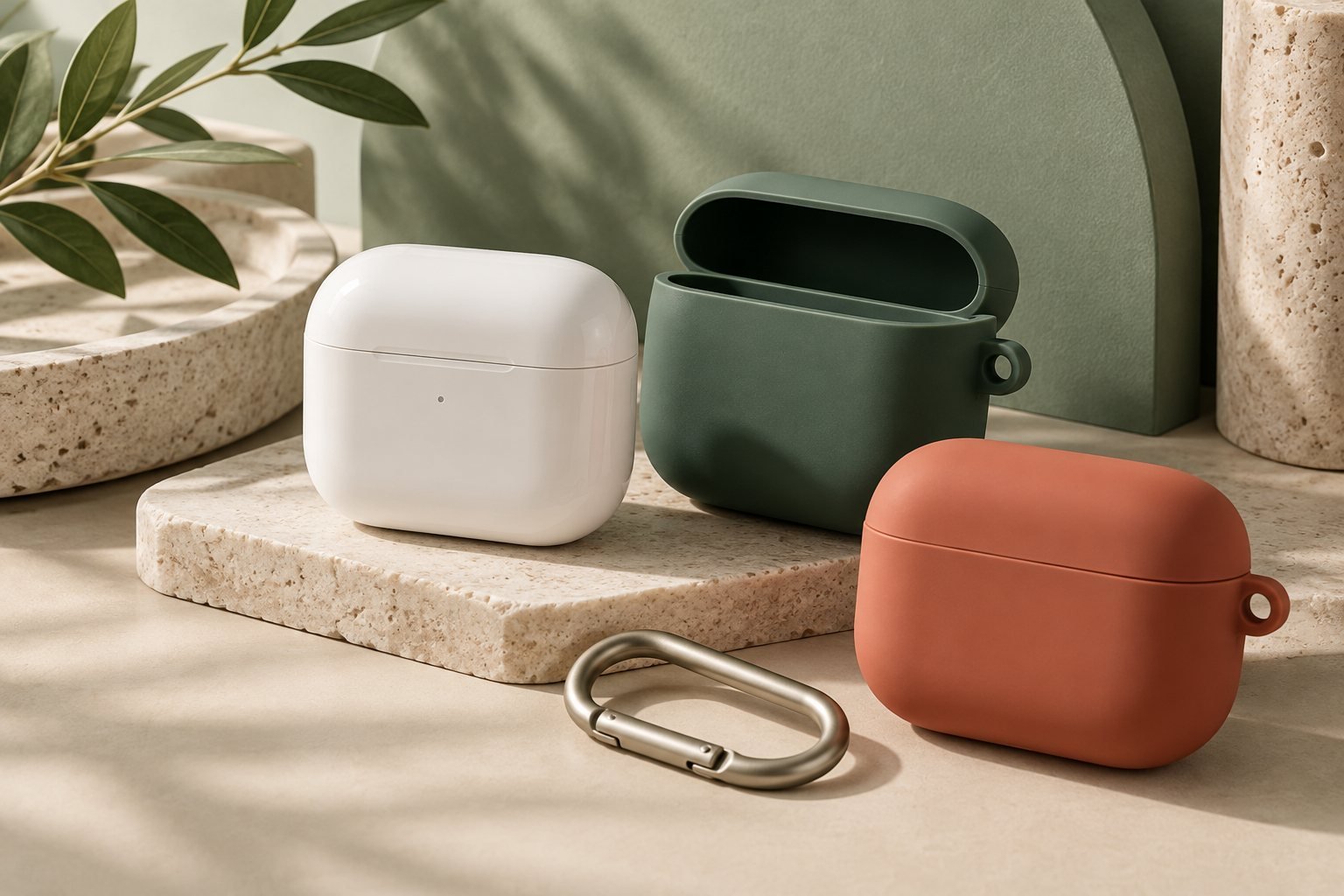
A protective cover wraps around your existing charging case. It may add grip, a clip, or scratch protection. A replacement charging case is the electronic unit that stores and charges the earbuds. A cover cannot charge earbuds or replace a missing electronic case.
That distinction prevents a common price-comparison mistake. A very inexpensive accessory may be a silicone shell, while the item you need is a charging unit. Read the included-items list and product photographs before comparing costs. If a charging unit is missing or faulty, consult Apple’s service options rather than ordering a cover.
Will an AirPods Pro 2 cover fit Pro 3?
Do not presume compatibility. Apple gives Pro 3’s case dimensions as 47.2 × 62.2 × 21.8 mm; the Pro 2 USB-C case is 45.2 × 60.6 × 21.7 mm. Sources: Pro 3 and Pro 2 specifications.
Dimensions alone do not certify accessory fit. The lid, hinge, openings, and removal method also matter. An elastic cover may seem close enough yet leave the lid misaligned or interfere with controls. Accept a manufacturer’s explicit Pro 3 compatibility statement for the exact variant rather than a broad title mentioning several generations.
Check the selected option again at checkout. A single accessory page can contain multiple model variants, and a picture may represent only one. Save the model name or SKU with your order so you can verify what arrives.
Does the cover preserve charging and pairing access?
There are several separate checks: whether a USB-C plug fits through the opening, whether the lid opens fully, whether you can see the status light, and whether your chosen wireless charging method works with the cover fitted. “Wireless charging compatible” does not automatically promise magnetic attachment.
For Pro 3 pairing with a non-Apple device, Apple instructs you to open the case and double-tap its front until the light flashes white. Choose a cover whose instructions address that access, rather than relying on old guidance about a rear setup button. See Apple’s pairing instructions.
If you use a charging stand, look for explicit compatibility with that charging arrangement. Extra thickness, clips, and raised shapes can affect how the covered case sits. A flat pad and a magnetic stand are different use cases; the seller should explain which one the accessory supports.
Two manufacturer-listed options to compare
Spigen Core Armor: a TPU option
Spigen lists Core Armor for AirPods Pro 3 with TPU construction and a textured surface. Consider it when grip and a relatively simple cover matter. Verify the exact variant and access details. We have not drop-tested it or confirmed charger fit.
Spigen Ultra Hybrid Zero One MagFit: magnetic charging emphasis
The Pro 3 Ultra Hybrid Zero One MagFit listing specifies polycarbonate, built-in magnets for MagSafe compatibility, and a carabiner. Compare it if magnetic charging is a priority, while checking bulk and your charger arrangement. These are manufacturer-described features, not our test results.
These are examples with explicit model compatibility, not a ranking of all available cases. A lower-cost cover can be sufficient if it meets your access and charging needs. Pay extra only for a feature you will use, rather than a rugged appearance.
An AirPods Pro 3 case buying checklist
- Exact model: Pro 3 is named in the selected variant.
- Purpose: cover, not replacement charging hardware, if protection is your goal.
- Lid and hinge: movement remains unobstructed.
- Everyday access: charging plug, status light, pairing method, and relevant openings remain usable.
- Charging claim: your charging method is specifically supported.
- Carry method: clip, keyring, or pocket bulk suits your routine.
- Returns: there is a practical route if fit differs from the description.
After delivery, assess these points before relying on the cover outside your home. If it interferes with a routine function, a different design is preferable to working around it every day. Add the cover’s price to the full purchase budget using our sale-price checklist.
Case compatibility questions
Can you reuse a Pro 2 cover?
Only if the accessory maker explicitly supports your Pro 3 model. Similar appearance is not sufficient evidence.
Does a protective case add battery capacity?
A normal shell does not. It protects the existing electronic case; it is not another battery.
Is a magnetic case automatically waterproof?
No. Magnetic attachment and water protection are separate claims. Do not infer protection from the case name or appearance.
Our recommendation
Choose the simplest Pro 3-specific cover that preserves charging, pairing, and lid movement. Check the selected variant and treat magnetic charging claims separately from general wireless charging.
Prices, offers, and feature availability can change. Check current product and seller details before ordering.