Affiliate disclosure: DecideWiseHub may earn commissions from qualifying purchases. Our recommendations are based on specifications and research, not independent hands-on product testing.
Fast internet can feel painfully slow once you walk into a bedroom, basement, or office behind thick concrete, brick, or old plaster walls. WiFi extenders can help in the right circumstances—but an extender cannot create a reliable connection out of a signal it barely receives.
This guide explains which extenders are worth considering, when a mesh kit or wired access point makes more sense, and how to fix the same problems raised by renters and homeowners in Reddit networking discussions.
Quick Answer: Best WiFi Extender for Thick Walls
For one weak-signal room, start by considering the TP-Link RE705X. It supports WiFi 6, has a Gigabit Ethernet port, and can work as a wired access point. For a basic budget option, consider the TP-Link RE315. For several rooms, consider the TP-Link Deco X55 mesh system—but thick walls can still block wireless links between mesh nodes.
| Product | Best for | Main limitation |
|---|---|---|
| TP-Link RE705X | One or two weak-signal rooms | Needs usable router signal in extender mode |
| TP-Link RE315 | Budget coverage improvements | WiFi 5; 100 Mbps Ethernet port |
| NETGEAR EAX15 | WiFi 6 alternative | Wireless backhaul still limits performance |
| TP-Link Deco X55 | Multiple rooms, whole-home coverage | More expensive; benefits from wired backhaul |
Why Thick Walls Make WiFi So Unreliable
WiFi uses radio signals that lose strength as they pass through obstacles. Drywall usually causes less trouble than reinforced concrete, brick, or plaster containing metal lath. Other factors include distance, appliances, competing networks, and where your router is installed.
- 2.4 GHz: typically travels farther and works better through obstacles, but can be congested and slower.
- 5 GHz: often faster at shorter distances but loses more signal through thick walls.
- 6 GHz: provides additional bandwidth for compatible devices but generally penetrates obstacles poorly.
Upgrading to WiFi 6E or WiFi 7 will not magically push radio signals through reinforced concrete. Sometimes the right answer is to move the access point to the other side of the wall.
Our Top Picks
1. TP-Link RE705X — Best Overall Starting Point
The RE705X is an AX3000 dual-band WiFi 6 range extender with a Gigabit Ethernet port, app setup, and access point mode. Its strongest advantage in thick-wall homes is flexibility: use it to repeat an existing signal when coverage is adequate, or connect it by Ethernet to serve a problem room directly.
Pros: WiFi 6, Gigabit Ethernet, wired access point option. Cons: extender-mode performance remains dependent on the signal arriving from your router. AX3000 describes theoretical combined link rates, not the speed you will receive.
Check TP-Link RE705X specifications
2. TP-Link RE315 — Best Budget Option
The RE315 offers dual-band AC1200 WiFi 5 coverage, a signal-strength indicator, Ethernet connectivity and access point mode. It’s a sensible low-cost option for modest browsing and streaming needs.
Pros: straightforward setup and placement indicator. Cons: its Ethernet port is limited to 100 Mbps, and it is not ideal for demanding multi-device use.
Check TP-Link RE315 specifications
3. NETGEAR EAX15 — Best WiFi 6 Alternative
The EAX15 is a dual-band AX1800 WiFi 6 extender intended to improve coverage while retaining an existing compatible router. It includes a Gigabit Ethernet port and NETGEAR’s app management.
Pros: current WiFi 6 features and Gigabit Ethernet. Cons: a mesh-extender label does not remove thick-wall signal limitations.
Check NETGEAR EAX15 specifications
4. TP-Link Deco X55 — Best Whole-Home Mesh Alternative
Strictly speaking, Deco X55 is a mesh WiFi system rather than a plug-in extender. Multiple WiFi 6 nodes create coordinated coverage, with Ethernet backhaul available where wiring is possible.
Pros: useful for multiple rooms and many connected devices. Cons: wireless mesh nodes can also struggle to communicate through masonry or metal-reinforced walls.
Check TP-Link Deco X55 specifications
What Reddit Users Reveal About Thick-Wall WiFi Problems
In a Reddit discussion about a pre-war New York apartment, a renter described plaster walls, old Google WiFi mesh devices, gaming lag, streaming-quality drops, and difficulty routing Ethernet through the apartment. Commenters disagreed over upgrading mesh hardware versus using wired backhaul, demonstrating why diagnosis matters before spending money.
Problem 1: “My speed test looks fine, but WiFi feels slow”
Test near the main router, then from the problem room. If practical, also test a computer over Ethernet. Compare upload and download speed, latency, and packet loss. Sluggishness that appears throughout the home during heavy uploads may indicate an internet upload bottleneck or bufferbloat rather than a wireless dead zone.
Problem 2: “I’m renting and can’t drill or run Ethernet”
Another Reddit renter discussion highlights congestion, unreliable work calls, and limited placement options. Try repositioning the router, placing a single extender where it still gets a good signal, or exploring existing coaxial wiring with compatible MoCA adapters. Check lease restrictions before installing cable channels or making changes.
Problem 3: “My mesh WiFi still lags during gaming”
Mesh adds coverage but does not guarantee low latency. Consider connecting gaming devices by Ethernet, using wired backhaul between mesh nodes, reducing wireless hops, and checking packet loss while household uploads are running.
How to Position Your Extender for Thick Walls
- Find where coverage starts dropping. Walk toward the problem room and test signal quality.
- Place the extender before the dead zone. It should still receive a stable connection from the primary router.
- Keep it in an open area. Avoid metal cabinets, large appliances, and hidden outlets behind heavy furniture.
- Test again. Compare streaming, calls, download/upload speed, and latency.
- Move it if necessary. Even a small position change can help. If no position works, consider wired backhaul.
WiFi Extender vs. Mesh vs. Wired Access Point
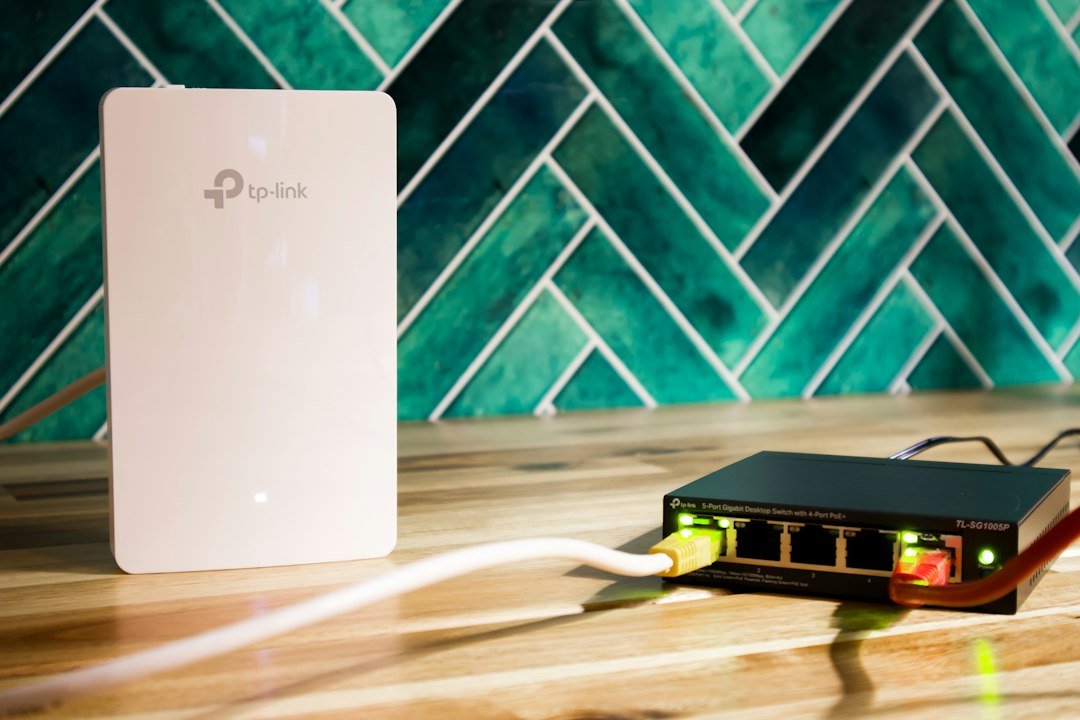
| Your situation | Better starting approach |
|---|---|
| One nearby weak-signal room | Single range extender |
| Several inconsistent rooms | Mesh system |
| Reinforced concrete blocks almost everything | Wired access point |
| Rental with no convenient wiring | Careful extender or mesh placement |
| Competitive gaming / low latency | Direct Ethernet |
| Coax wiring between rooms | Check MoCA feasibility |
Five Buying Mistakes to Avoid
- Assuming advertised AX speed equals real-world internet speed.
- Placing the extender where the WiFi signal is already unusable.
- Stacking multiple repeaters without checking congestion and signal quality.
- Ignoring low upload speed or network latency during video calls.
- Expecting a higher-frequency band to overcome thick concrete or metal.
Frequently Asked Questions
Can a WiFi extender work through concrete walls?
Sometimes, depending on thickness, reinforcement, placement and incoming signal strength. For severe barriers, a wired access point may be more reliable.
Is mesh better than an extender?
Usually for multiple rooms and coordinated coverage, but mesh also needs reliable links between nodes. Wired backhaul improves consistency.
Is 2.4 GHz better for thick walls?
Generally it reaches farther through obstacles, but may have slower speeds and greater interference.
Can I keep my existing router?
Yes. Most conventional extenders support existing routers, though advanced mesh features can depend on compatibility.
Will a WiFi extender make my internet faster?
It can improve usable speeds in weak-signal rooms, but won’t exceed your internet plan or eliminate an ISP bottleneck.
Final Verdict
For one weak room, the TP-Link RE705X is a flexible place to start. For a smaller budget, look at the RE315; for an alternative WiFi 6 extender, look at the NETGEAR EAX15. For multiple rooms, compare the Deco X55—especially if Ethernet backhaul is an option. But if thick walls block the connection entirely, prioritize a wired access point over yet another repeater.
Editorial note: This guide is based on official specifications and discussions of real networking challenges. DecideWiseHub has not conducted controlled, hands-on performance tests of these products. Prices and availability change.